BISP 13500 Payment Failed – Common Reasons and How to Fix the Issue in 2025
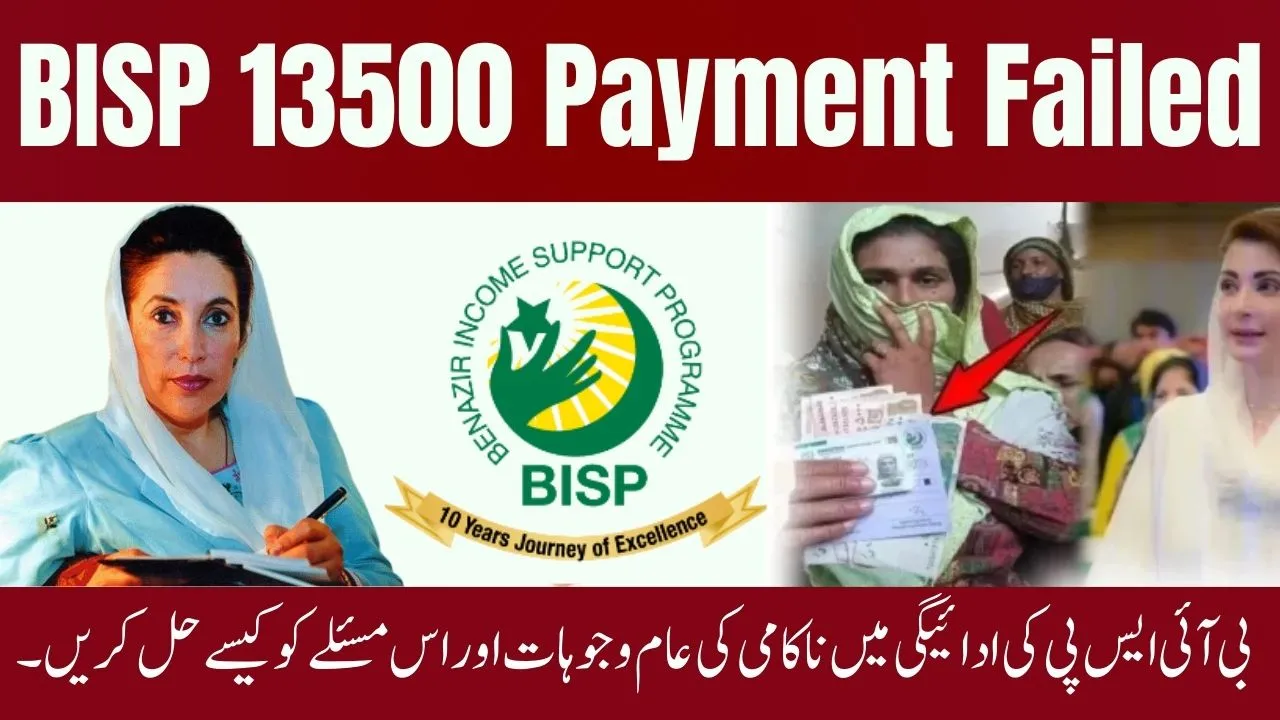
The BISP 13500 payment failed issue has become one of the most reported problems among beneficiaries of the Benazir Income Support Programme in 2025. Many registered women have been facing transaction errors, biometric mismatches, or delays when trying to withdraw their Rs. 13,500 quarterly installment under the Benazir Kafaalat program. This article explains why the payment fails, what causes it, and the correct steps to fix it quickly.
By the end of this guide, you’ll know exactly how to resolve a failed payment issue and successfully receive your BISP installment without visiting multiple centers.
Why is the BISP 13500 Payment Failing?
There are several reasons behind a BISP payment failure, most of which are technical or verification-related. Let’s look at the most common causes reported in 2025:
- Biometric Verification Error
Many beneficiaries face payment failure because their fingerprints do not match during verification at the payment center. This issue usually occurs with older women or those with faded fingerprints. - Bank System Glitch
Sometimes, the payment fails due to server downtime or technical issues in the partner banks like HBL, Bank Alfalah, or BOP. These system errors usually resolve within 24–48 hours. - Unverified CNIC or Expired Card
If your CNIC has expired or is not verified in the NADRA system, your BISP transaction will automatically fail during processing. - Network or Connectivity Issue
Weak internet or power failure at BISP centers or ATMs can interrupt payment transfers temporarily. - Pending Data Update in BISP Record
If your household data is under review or incomplete in the NSER (National Socio-Economic Registry), your payment may remain pending until verification completes.
Step-by-Step Solution to Fix BISP 13500 Payment Failure
If your BISP 13500 payment failed, follow these verified steps to resolve it quickly:
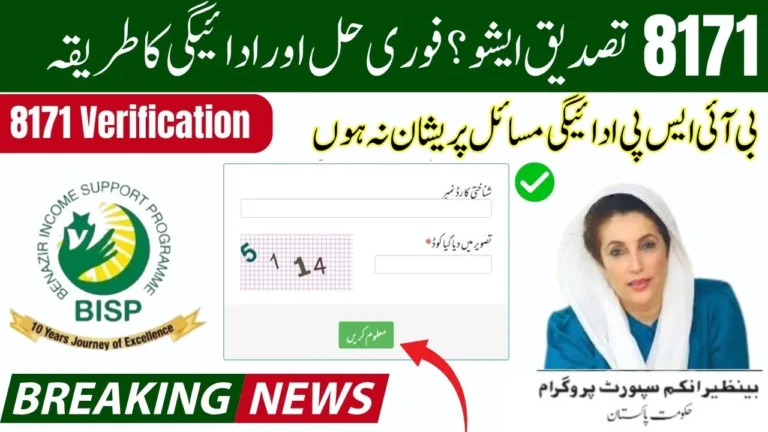
- Check Your Payment Status via 8171 Portal
- Visit https://8171.bisp.gov.pk
- Enter your CNIC number
- Check if your payment is “Processed,” “Pending,” or “Failed”
- Revisit the Nearest BISP Payment Center
- Take your original CNIC card
- Ask the representative to retry the biometric verification
- If the system still fails, request “Token Slip” and record your complaint
- Update Your CNIC from NADRA
- If your CNIC is expired or unverified, visit NADRA to renew it
- After renewal, wait 2–3 days for automatic syncing with the BISP system
- Try Alternative Biometric Machines
- Some centers have multiple machines; try a different one as sensor sensitivity varies
- Rub moisturizer or use light oil on fingers before scanning
- Contact BISP Helpline
- Call 0800-26477 from your registered mobile number
- Provide your CNIC and complaint details
- You’ll receive confirmation once your payment issue is resolved
What to Do If Payment Is Deducted but Not Received
If the system shows that your payment has been deducted but you haven’t received cash:
 Join Our WhatsApp Channel
- Note down the transaction ID from the receipt or SMS.
- Visit the nearest BISP Tehsil Office with your CNIC and transaction details.
- The staff will verify your record and manually reissue your payment after investigation.
BISP Payment Centers and Bank Partners (2025 Update)
| Partner Bank | Payment Method | Contact Support |
| HBL | Biometric / ATM | 021-111-111-425 |
| Bank Alfalah | Biometric / ATM | 021-111-225-111 |
| Bank of Punjab | Biometric / Branch | 042-35783700 |
| Habib Metro | Branch Payment | 021-111-142-242 |
If one bank is facing system downtime, you can visit another partner bank nearby after confirming through helpline.
Common Myths About Failed Payments
- Myth: Failed payment means you are ineligible.
Reality: A failed payment doesn’t mean removal from the program; it’s usually a temporary system or verification issue. - Myth: You must register again if payment fails.
Reality: You don’t need to register again; simply resolve the error at your payment center.
Quick Tips to Avoid Future BISP Payment Failures
- Keep your CNIC valid and updated at all times.
- Always use your registered SIM card for 8171 SMS notifications.
- Avoid visiting centers during rush hours to prevent biometric errors.
- Confirm your payment status online before going to the ATM or center.
Conclusion
The BISP 13500 payment failed issue can be frustrating, but most cases are easily fixable with the right steps. Whether it’s a biometric mismatch, CNIC expiry, or bank error, you can resolve it by updating your documents and contacting the BISP helpline. The government is continuously upgrading its digital systems to make the process smoother for all beneficiaries in 2025.
FAQs
1. Why did my BISP 13500 payment fail?
It may fail due to biometric mismatch, expired CNIC, or bank server issues.
2. How can I fix a failed payment in BISP?
Visit your nearest BISP center, retry verification, or call the helpline at 0800-26477.
3. Can I get my payment from another bank?
Yes, you can visit another partner bank once the issue is resolved in the system.
4. How do I know if my payment is approved?
Check your status on the official BISP portal at 8171.bisp.gov.pk.
5. Is re-registration required after payment failure?
No, you don’t need to re-register. Fix the issue and your next installment will be released normally.