8171 Pass Gov Pk 2025 – BISP New Registration Process (Step-by-Step Guide)
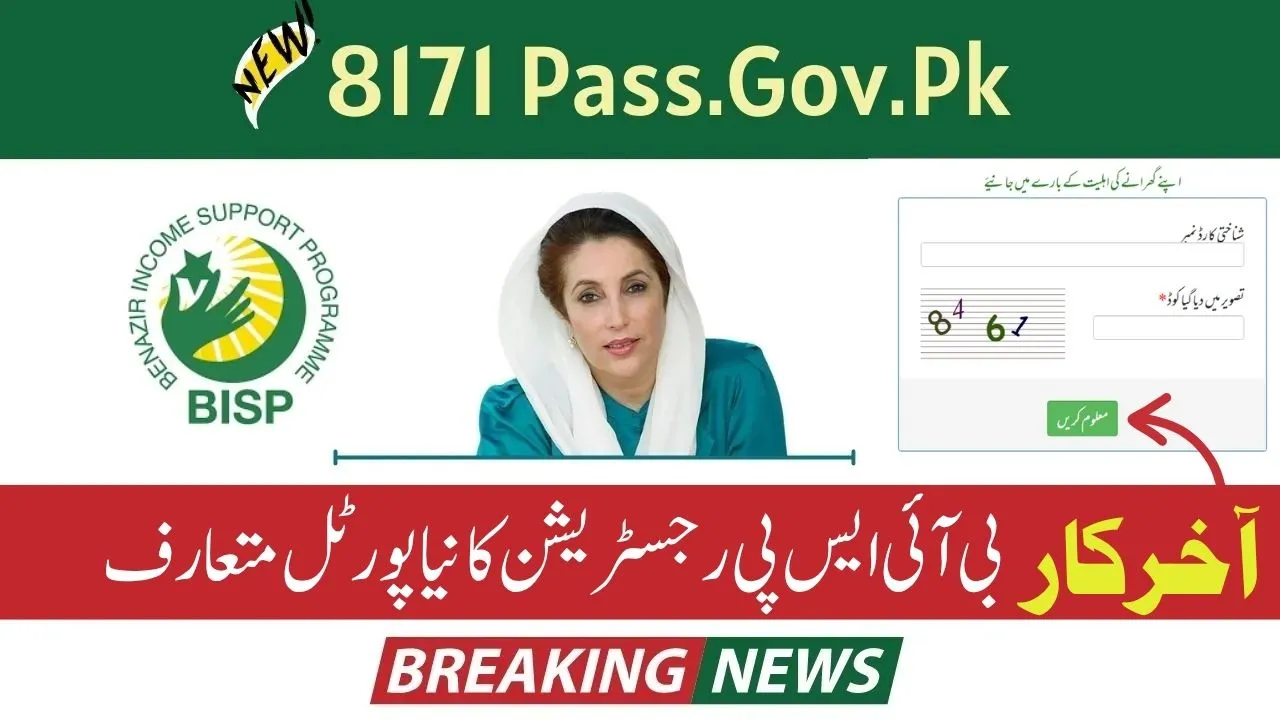
The 8171 Pass Gov Pk 2025 is the official verification and information portal for the Benazir Income Support Programme (BISP). It allows citizens to check eligibility, verify CNIC status, and confirm payment updates under the Ehsaas Kafalat and Benazir Kafalat schemes.
However, the online registration option is not available. According to the official BISP policy for 2025, all new registrations must be completed in-person at designated BISP Tehsil Offices or NSER Dynamic Registry Centers. This ensures that the information is verified directly through biometric and household surveys, preventing fraud or duplicate entries.
In this updated 2025 guide, we’ll explain how to register for BISP in person, what documents you need, and how to later check your eligibility through the 8171 portal.
Overview of the 8171 Pass Gov Pk 2025
The 8171 Pass Gov Pk 2025 portal is the official platform of the Government of Pakistan used by the Benazir Income Support Programme (BISP). It is mainly used for:
- Eligibility verification by CNIC number.
- Checking payment status under the Ehsaas or Benazir Kafalat scheme.
- Viewing NSER (National Socio-Economic Registry) data status.
- Tracking payment history and PMT (Poverty) score.
While you can check your record online, new registrations are completed only through in-person surveys conducted at BISP Dynamic Registry Centers.
 Join Our WhatsApp Channel
BISP New Registration 2025 – In-Person Dynamic Survey Process
The Benazir Income Support Programme requires new applicants to complete a Dynamic Survey through NSER (National Socio-Economic Registry) to ensure data accuracy and prevent misuse.
Here’s the official step-by-step process for registering in BISP 2025:
Step 1: Gather Required Documents
Before visiting a center, prepare all important documents for the female head of the household (as registration is in her name).
Required Documents:
- Original CNIC of the female head of family
- B-Form or CNICs of all children (if applicable)
- Household Utility Bill (Electricity or Gas) for address verification
Make sure all information is updated in NADRA records before visiting, as BISP verification depends on NADRA data.
Step 2: Visit Your Nearest BISP Tehsil Office or Dynamic Registry Center
Locate and visit the nearest BISP Tehsil Office or NSER Dynamic Registry Center in your area.
You can call the BISP Helpline (0800-26477) or ask your local Union Council for the nearest active registration center.
At the center, inform the representative that you want to register your family for the BISP Dynamic Survey.
Step 3: Complete the Dynamic Survey
At the registration counter, a representative will ask detailed questions about:
- Family size and income sources
- Type of house (owned/rented)
- Education level
- Electricity or gas usage
- Employment or business details
This data helps determine your PMT (Poverty Means Test) score, which decides your eligibility for the BISP programme.
After completing the form, your data is recorded in the BISP central database.
Step 4: Biometric Verification
Once the form is completed, your biometric verification is conducted using your CNIC fingerprints.
This step confirms that your identity matches NADRA’s national database and helps prevent fake entries.
Without successful biometric verification, your registration cannot be submitted.
Step 5: Receive Survey Token or Receipt
After your biometric check, you’ll receive a survey token or receipt from the BISP office.
This serves as proof that your application has been submitted successfully.
Your information will now undergo a verification process that may take a few weeks. Once approved, you’ll be notified by an SMS from 8171 about your eligibility and payment schedule.
How to Check Your BISP Status Through 8171
After completing registration at a BISP center, you can check your eligibility and payment updates using the 8171 service.
Method 1: SMS Service
- Send your 13-digit CNIC number to 8171.
- Wait for a confirmation message about your eligibility and payment status.
Method 2: Online Portal
- Visit the official website: https://8171.pass.gov.pk
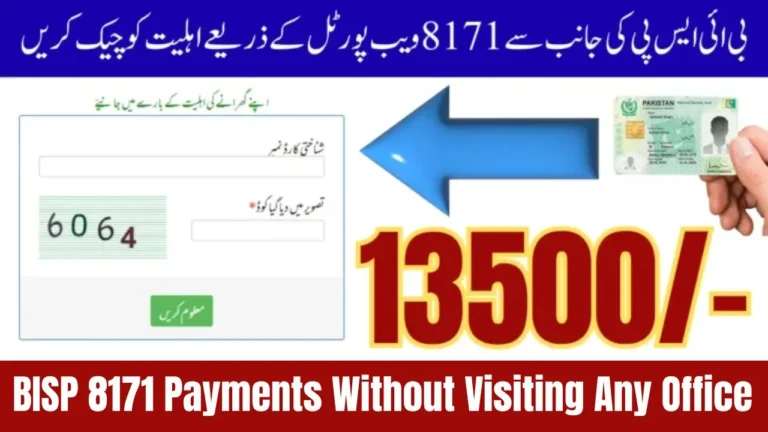
- Enter your CNIC number and the captcha code.
- Click Submit to view your status, PMT score, and payment details.
How Long Does BISP Verification Take?
After completing your survey, the verification process usually takes 3 to 8 weeks. During this period, your household data is checked against multiple government records including:
- NADRA (National Database)
- Utility bills and income data
- Previous Ehsaas or BISP records
If your application is approved, you’ll receive an 8171 SMS confirmation stating that you are eligible for financial assistance.
Common Issues During BISP Registration
| Issue | Reason | Solution |
| CNIC not verified | NADRA data mismatch | Update CNIC at NADRA before applying |
| Didn’t receive 8171 SMS | Network issue or system delay | Wait a few days or check via portal |
| Name not appearing in database | NSER record incomplete | Visit BISP office for re-survey |
| Biometric mismatch | Fingerprint error | Retry or re-register fingerprints at NADRA |
BISP Helpline and Contact Information
If you have any confusion or face issues during the registration or verification process, contact the official BISP helpline only.
- Helpline Number: 0800-26477
- Email: info@bisp.gov.pk
- Official Website: https://bisp.gov.pk
- Head Office: F-Block, Pak Secretariat, Islamabad
Avoid fake websites or agents demanding money — BISP registration and payments are 100% free.
Final Thoughts
The 8171 Pass Gov Pk 2025 portalis a powerful verification tool that ensures transparency in the Benazir Income Support Programme. While registration can only be completed in person at designated BISP centers, you can still use the 8171 portal or SMS service to track your eligibility and payment updates anytime.
If your family is struggling financially, visit your nearest BISP Tehsil Office today to complete the Dynamic Survey and secure your registration under the government’s 2025 welfare programme.
FAQs about 8171 Pass Gov Pk 2025 (BISP Registration Guide)
1. Can I register for BISP online through 8171 Pass Gov Pk?
No, online registration is not available. You must visit a BISP Tehsil Office or Dynamic Registry Center for registration.
2. What is the use of the 8171 Pass Gov Pk portal?
It’s used for checking eligibility, payment status, and NSER record, not for completing registration.
3. What documents are needed for BISP registration?
You’ll need your CNIC, children’s B-Forms, and a utility bill for address proof.
4. How will I know if I am eligible for BISP?
After the survey, you’ll receive an SMS from 8171 confirming your eligibility status.
5. How can I check my BISP payment online?
Visit https://8171.pass.gov.pk or send your CNIC number to 8171 to check payment details.